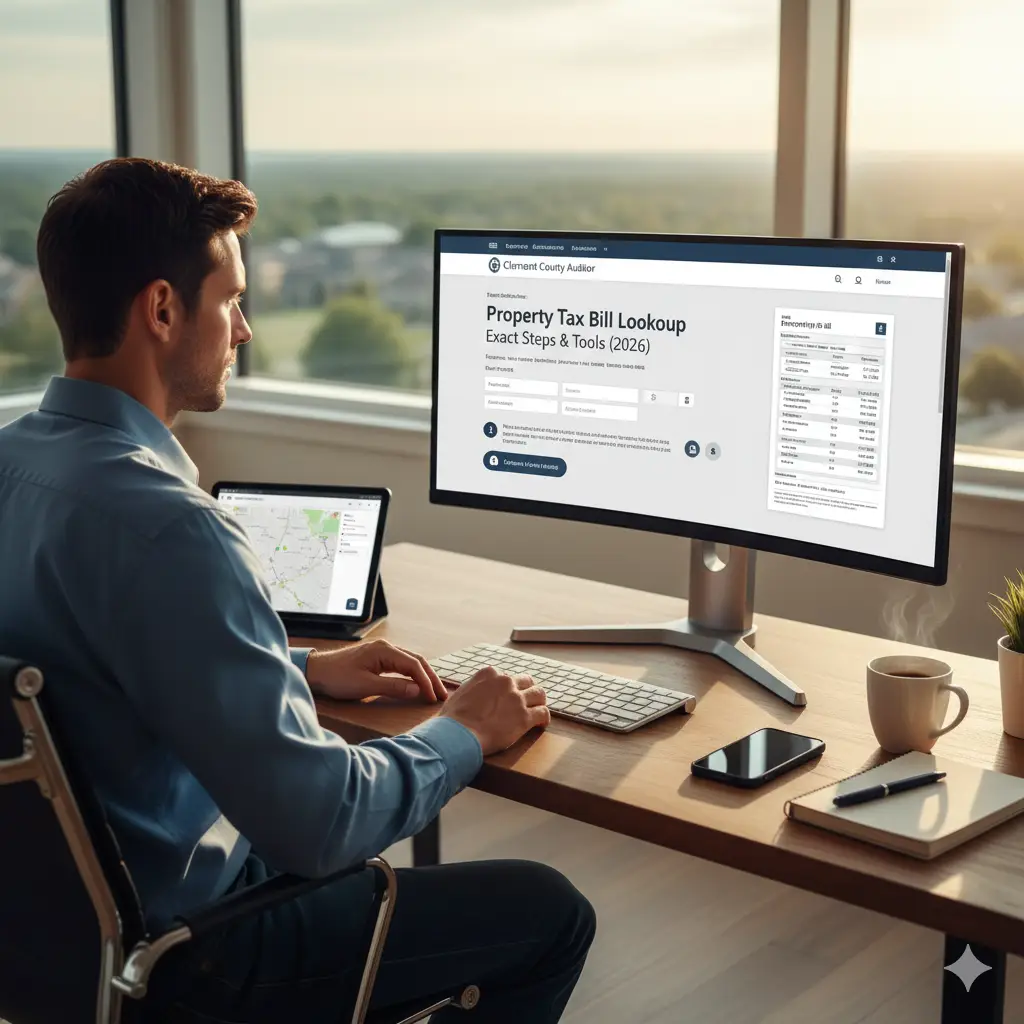
Looking for a quick way to check your Clermont County property tax bill? Whether you want to see how much you owe, review past tax bills, confirm payment status, or download a copy for your records, Clermont County provides official online tools that make the process simple and accurate.
In this 2026 guide, you’ll learn exact steps to look up your Clermont County property tax bill, understand assessment details, review payment history, and use the Auditor and Treasurer tools with confidence no guesswork required.
Why You Should Check Your Property Tax Bill
Property owners often need tax bill information for several reasons. Reviewing your bill helps confirm whether your taxes are paid, reveals if a delinquency exists, and shows how your property’s assessed value has changed.
Checking your bill also gives insight into millage rates, local levies, and distribution of tax dollars. For new homeowners, this information helps plan annual budgets and avoid unexpected charges.
Tip: First-time homeowners should always double-check their first property tax bill, as estimates at closing may not reflect the final amount due.
Tools for Clermont County Property Tax Bill Lookup
Clermont County offers multiple tools that make it easy to find tax bill information. Each tool serves a slightly different purpose, so using the right one helps you get the specific data you need.
Auditor Property Search Tool
This tool is the primary source for tax assessments, payment status, charges, and valuation history.
Treasurer Tax Payment System
This system allows property owners to confirm taxes due, review payment history, and check delinquent balances.
GIS Mapping System
While mainly for parcel mapping, the GIS tool links to tax information and basic bill data.
Step-by-Step Guide: How to Look Up Your Tax Bill
Below are the exact steps to find your current or past property tax bill in Clermont County.
Step 1: Open the Clermont County Auditor Property Search
Start by visiting the Auditor’s official property search platform.
Use the search bar to enter one of the following:
- Owner name
- Parcel number
- Property address
The search will load your property’s profile page.
Step 2: Open the “Tax” or “Levy” Section
Once your property page appears, look for the section labeled:
- Tax Distribution
- Current Charges
- Special Assessments
- Valuation and Tax Summary
This area displays the yearly tax amount, the distribution breakdown, and any adjustments made to the bill.
Step 3: Check Your Payment Status
The Treasurer’s tool is best for verifying whether your taxes are fully paid or past due.
Inside the Treasurer system, you can find:
- Current amount due
- Paid amounts
- Delinquent charges
- Payment history
This helps you confirm whether your account is in good standing. If your Clermont County property taxes are delinquent, penalties and interest may apply. Always verify your payment status through the Treasurer’s official system.
Step 4: Download or Print Your Tax Bill
Both the Auditor and Treasurer portals allow you to download a digital copy of your bill.
You can:
- Save it as a PDF
- Print it for recordkeeping
- Use it for mortgage or refinance applications
- Provide it to accountants during tax season
Keeping a copy of your property tax bill is helpful for loans, refinancing, and financial records.
Step 5: Review Valuation and Assessment Details
Your tax bill is directly connected to your property’s assessed value.
Inside the Auditor portal, you will see:
- Land value
- Building value
- Market value
- Assessment changes
- Prior-year valuations
These values explain why your property tax amount may change from year to year.
Information You Can Find on a Clermont County Tax Bill
Your tax bill shows how your property taxes are calculated and distributed. A tax bill contains several important details that property owners often overlook.
Here are the most common pieces of information included:
- Yearly tax amount
- Payment status
- Assessment values
- School district tax portion
- Special assessments
- Tax distribution by levy
- Delinquent charges (if any)
Each section helps you understand exactly how the county calculates your tax responsibility.
Common Reasons Your Tax Bill May Change
Property tax bills do not remain constant every year. Several factors can cause your bill to rise or fall.
Some of the most common reasons include:
Changes in Property Valuation
If the Auditor updates your property’s value, your tax bill may increase even if tax rates stay the same.
Added Levies or Voter-Approved Measures
New school levies or community improvements can change the tax rate.
Improvements or New Construction
New additions, finished basements, garages, or major renovations can increase taxable value.
Removal of Credits or Reductions
If you previously qualified for credits such as the Homestead Exemption and no longer meet requirements, your bill may rise.
Tips for Managing Your Property Taxes
Managing property taxes effectively can prevent unexpected issues.
Here are a few useful tips:
- Check your tax bill at least twice a year
- Keep copies of all paid bills
- Monitor property valuation changes
- Review levies that appear on the ballot
- Contact the Treasurer immediately if you notice incorrect charges
- Verify mailing address changes if you recently moved
These small steps help avoid missed payments or complications.
What to Do if You Find an Issue on Your Tax Bill
If you believe your bill includes incorrect valuation, missing payments, or wrong owner information, the county provides ways to resolve the issue.
You can contact the Auditor’s Office for valuation disputes, while payment-related issues should be directed to the Treasurer. The sooner you contact the appropriate office, the easier it is to correct the problem before penalties apply.
Conclusion
Looking up your property tax bill in Clermont County is a simple process when you use the right tools. The Auditor and Treasurer websites provide accurate, up-to-date information regarding tax amounts, payments, assessments, and valuations. By checking your tax bill regularly, you can avoid surprises, track changes in property value, and ensure your account stays in good standing.
This 2026 guide gives you the steps and knowledge needed to confidently access and review your tax bill at any time.
Frequently Asked Questions
How can I check how much property tax I owe in Clermont County?
You can use the Treasurer’s online payment system to see your current balance, past payments, and any delinquent charges.
Can I look up someone else’s property tax bill?
Yes, tax bills are public records. You can search by address, parcel number, or owner name.
Does the Auditor website show my full tax bill?
The Auditor website shows charges, valuation details, and distributions, while the Treasurer system displays payment status and due amounts.
How often are tax bills updated?
Tax bills are updated twice per year based on the county’s tax cycle and any new assessments.
Can I download a copy of my tax bill for my records?
Yes, both the Auditor and Treasurer portals allow you to download or print your tax bill as a PDF.